 AasimNaseem
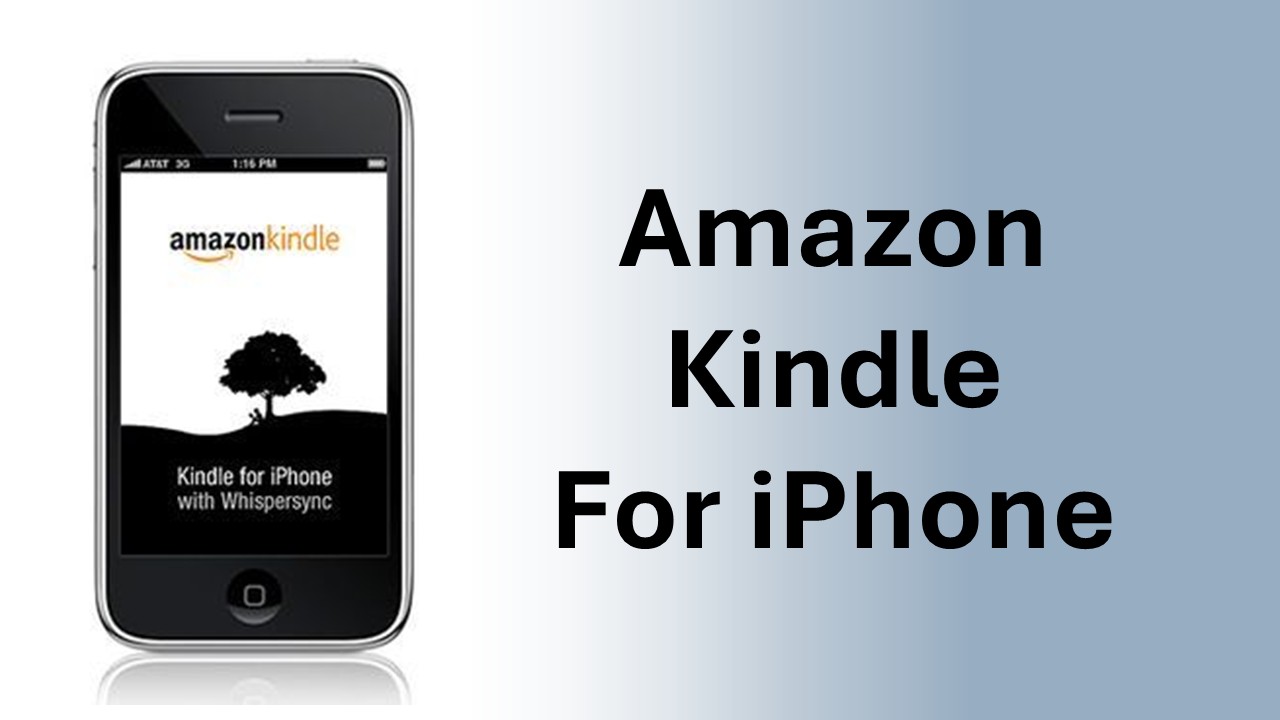
- No Kindle device required
- Get the best reading experience available on your iPhone or iPod touch
- Access your Kindle books even if you don't have your Kindle with you
- Automatically synchronizes your last page read between devices with Amazon Whispersync
- Adjust the text size, add bookmarks, and view the annotations you created on your Kindle


- Buy a book from the Kindle Store optimized for Safari on your iPhone or iPod touch and get it auto-delivered wirelessly
- New! Experience Kindle Editions with Audio/Video
- Search and browse more than 725,000 books, including more than 107 of 111 New York Times bestsellers. If you are a non-U.S. customer, book availability may vary
- Find New York Times® Best Sellers and new releases from $9.99
- Get free book samples. Read the first chapter for free before you decide to buy
- Books you purchase can also be read on a Kindle
- Kindle newspapers, magazines and blogs are not currently available on the iPhone or iPod touch
- Kindle for iPhone is currently available for customers in Argentina, Australia, Austria, Belgium, Brazil, Canada, Chile, Colombia, Costa Rica, Croatia, Czech Republic, Denmark, Dominican Rep., Ecuador, El Salvador, Estonia, Finland, France, Germany, Greece, Guatemala, Honduras, Hong Kong, Hungary, India, Ireland, Israel, Italy, Jamaica, Japan, South Korea, Latvia, Lithuania, Luxembourg, Malta, Republic of, Mexico, Moldova, Republic Of, Netherlands, New Zealand, Nicaragua, Norway, Panama, Paraguay, Peru, Philippines, Poland, Portugal, Romania, Russia, Slovakia, Slovenia, South Africa, Spain, Sri Lanka, Sweden, Switzerland, Taiwan, Thailand, United Kingdom, United States, Uruguay, Venezuela, Vietnam

- Book Extras including character lists, plot summaries, and series information are available for many popular books. These are powered by the Shelfari.com community and can be accessed from the 'Go To' menu while reading.
- Instant word lookup on included dictionary with 250,000 entries and definitions
- Search inside the book
- Look up words on Google and Wikipedia
- Fast app switching on iOS4 devices

(source : http://www.amazon.com)
Comments (2)
Leave a Reply