Hello, all.
I hope everything is good.
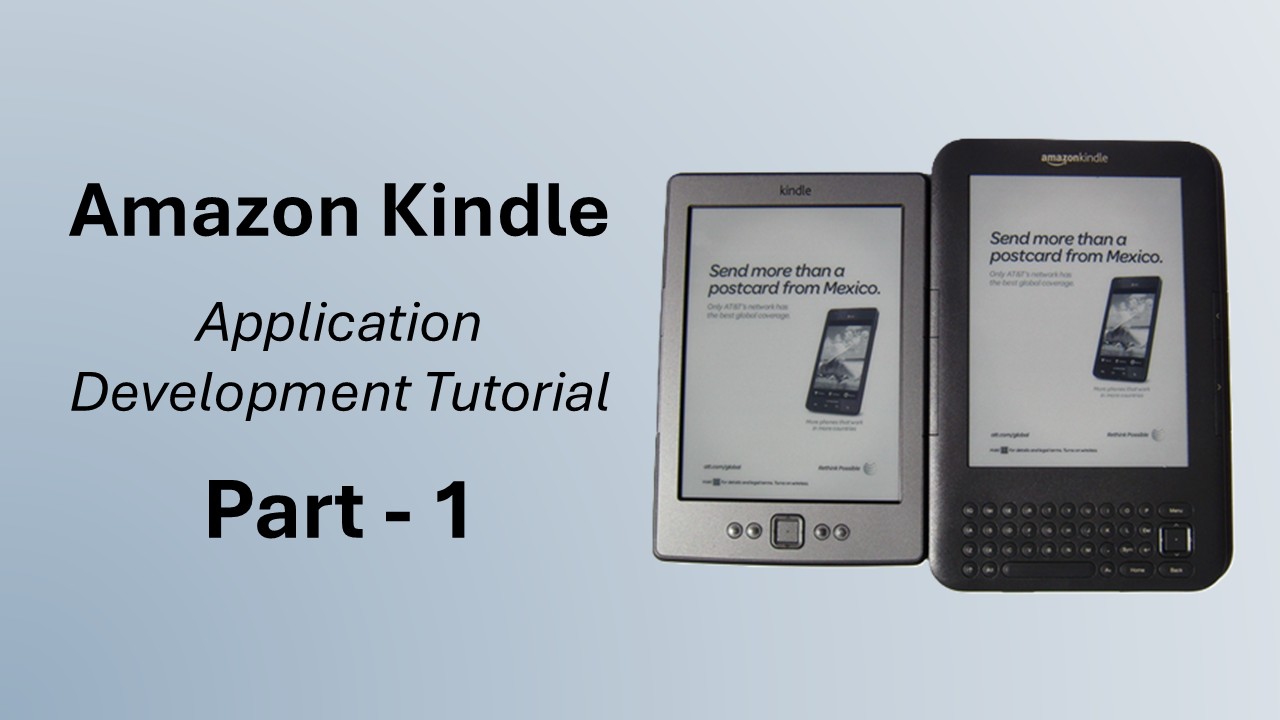
[caption id="attachment_1288" align="alignright" width="216"]

Amazon Kindle i used in my development.[/caption]
For the last few weeks, I've been working on an application for the Amazon Kindle, an ebook reading device by Amazon. In my last post, I introduced
to you kindle device. Now its SDK is also available for custom applications. I'm probably the first in my region who is working on Kindle. So, as per my bad habit, I'm going to share what I have learned so far. So from today I'll post 2 or 3 tutorials covering basic concepts regarding application development on the Kindle platform.
Note : This tutorial is a part of my series of tutorials on
Amazon Kindle Application Development. So far we have discussed the following topics in this category.
As it's midnight, i will try to be concise and will focus mainly on key points. But i assure you as developer you will quickly get what you EXACTLY need to know... more details i will post in next tutorial. So as a tradition of my blog, have a cup of tea/coffee, sit relax in chair and for few min just forget everything around you. Read the rest of the post and get what you actually want to learn in a simple and quick way.
I'm going to explain some very basic concepts first. Then, in a later post, we will move to the actual development process.
Alrightlets go. few general things need to know to start
- Kindle was basically an ebook reading device by Amazon. You can download books from Amazon, subscribe to blogs, and read content on your Kindle device.
- Kindle as an application is also available for iPhone. You can install that app from the App Store and can use the same features provided by a standard Kindle device.
- Then Amazon launched a beta SDK for the Kindle platform, letting the developer community develop applications for Kindle devices. Many applications have been developed, including games, productive apps etc. The Kindle KDK team is continuously in intouch with all developers and taking their platform to a much more mature state by having feedback/suggestions.
- In this series of tutorials, we will learn how to develop applications for the Kindle platform using the Kindle SDK. We will test them over its simulator and then run over the device.
All right, now something related to the development perspective.
- First of all, congratulations. kindle development is java based so thumbs up. Take a relax breath and have little smile. Yesss, that’s the way :) … (don’t forget to take sip of tea/coffee.)
- As there is Java development, I, like many other developers, suggest you should use eclipse IDE for your development. Eclipse is no doubt the best tool currently available. Here I’m not going to tell which features it provides else I’ll need few years to tell everything in detail. As we have already used Eclipse for our Android and blackberry application development, I will again prefer to use Eclipse.
- The Kindle SDK provides a simulator for testing your application. Though you can fully test your creativity over there, as a matter of fact, you MUST run it on a Kindle device before submitting to your client or launching it publicly. I used kindle that was cost nearly $150 (though it wasn't mine at all), so if you wish, you can have your own kindle else test it over simulator :)
Thats all from today's lecture. In the next part I will describe how to set development environment on your system to start applications for kindle.
Have a good time.

 AasimNaseem

Comments (15)
Please help!
1. Storing and Maintaining different personal details about the person.
2. Displaying the entire data in table view.
3. User should able to select and modify any record from table view.
4. Data should be stored in database.
for database, there is a problem; cuz kindle doesn't support sqllite or some other builtin database; as alternate we can use file system; But again its complicated to handle; I use DB4O (www.db4o.com) as database solution; you can try this;
Thanks!
is there a possibility to get the kdk without amazon ? I'm now waiting for 4 weeks to get access to the limited beta.... ;(
I like to evaluate possible portations from my existing apps....
Even if you download kdk from somewhere it might not work for you cuz for deploying the application on device you have to activate your kindle with amazon; And for this you must have a valid account on amazon's developer portal;
Is Amazon the next Apple ? They will not have much friends while they behave like this !
Leave a Reply