 AasimNaseem
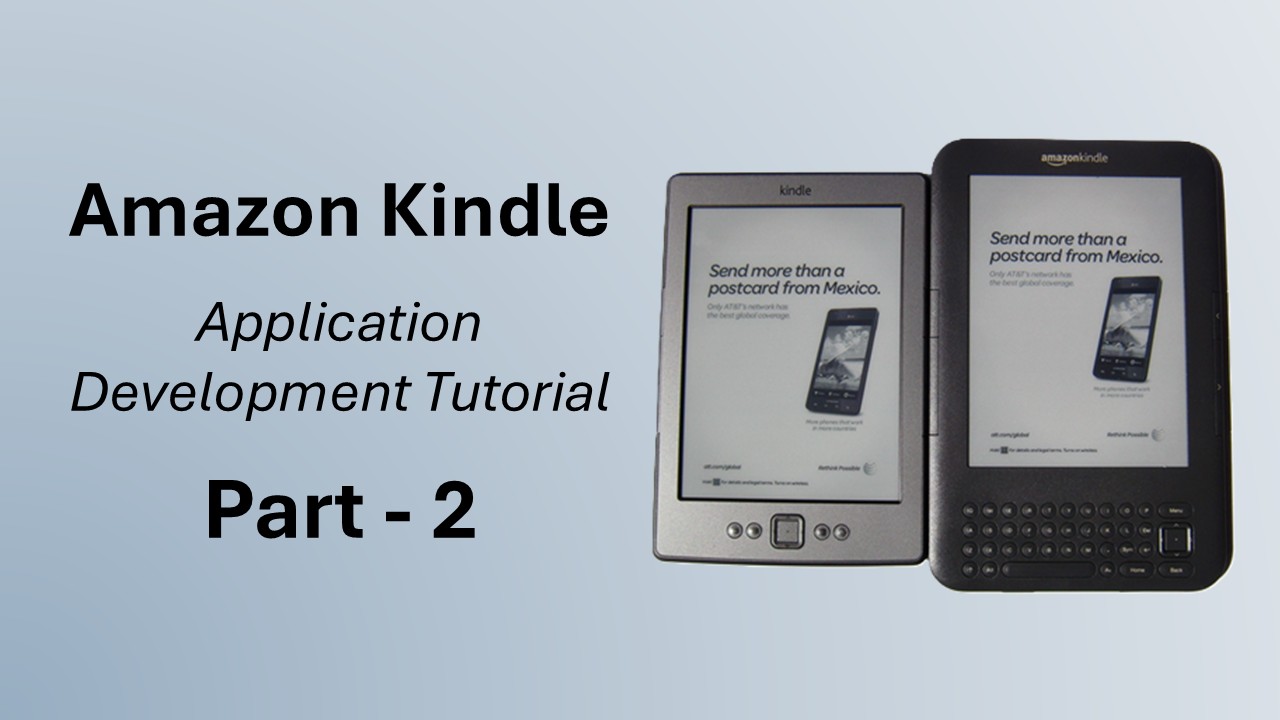
Setting up your system for Amazon kindle
Hi, Hope everyone is good and enjoying life. Today is Sunday. I just got done with the weekly cleanup of my room, reset my bookshelf, brought some useless things/papers out from the drawer, etc. I'm a little tired too. Now get free to have some talk with you. Note : This is the 2nd part of my series of tutorials on Amazon Kindle Application Development. So far we have discussed the following topics in this category.- Amazon Kindle :: An Introduction
- Amazon Kindle Tutorial – Part 1 :: Basic Concepts
- Amazon Kindle Tutorial – Part 2 :: Setting up Your System For Amazon Kindle
- Amazon Kindle Tutorial – Part 3 :: Kindle Application Lifecycle
Download JDK
For those who are already doing Java development, skip this step; for those who are new to java, they must download and install the Java Development Kit (JKD). Currently, version 6 is latest so you must use it. Download JDK.
Install JDK
After downloading JDK install it to your prefer location, then edit a “path” environment variable entry (right click My Computer -> Properties -> Advanced tab and then click environment variable at bottom), append the [jdk-instal-dir]\bin … Like in my case, I appended the entry c:\Program Files\Java\jdk1.5.0_06\bin in the path variable after placing a semicolon in the previous entry.Download Eclipse
Next, we will use eclipse IDE for our development and debugging. Eclipse is free with many useful Plug-in available. Download eclipse. After downloading, run eclipse. It will ask you the location of the workspace. A workspace is a location where all your projects will be saved by default. You can choose the custom location for your projects too. When eclipse will start, you will see welcome page of your workspace. Configure jdk with eclipse its time to link your jdk with eclipse so that while compiling and building your projects- Click Window > Preferences from the main menu in Eclipse
- Click Java > Installed JREs
- Click Add.
- Fill the fields.
- JRE type = Standard VM
- JRE name = jdk1.6 [or any other name of your choice]
- JRE home = path to the JDK (eg. C:\jdk1.6.0_06)
- Default VM Arguments leave blank
Download Kindle Development Kit
Amazon made its Kindle Development Kit (KDK) available for download to software developers. But before downloading, you’ve got to register and be approved by Amazon to download the Kit. You can apply here. The KDK is currently in a limited beta phase. After getting approval, you will be sent a link to download KDK. Its ~13MB zip archive file name is KDKv1.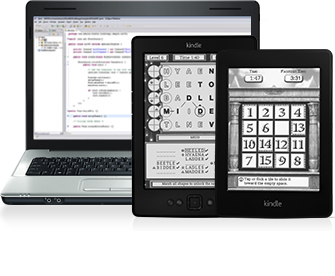 KDK comes with Kindle application libraries, sample applications, and a Kindle simulator. You can test your application on a simulator before submitting it to your client or the Kindle Store.
That's all for today. At this moment you are ready to start application development for the Kindle platform. In the next tutorial, you will learn the basic constitution of the Kindle application, how to make a Hello World project, and how to run your project on a simulator.
In case of any query, confusion, or if you feel I missed something important, feel free to comment.
Have a blessed day.
KDK comes with Kindle application libraries, sample applications, and a Kindle simulator. You can test your application on a simulator before submitting it to your client or the Kindle Store.
That's all for today. At this moment you are ready to start application development for the Kindle platform. In the next tutorial, you will learn the basic constitution of the Kindle application, how to make a Hello World project, and how to run your project on a simulator.
In case of any query, confusion, or if you feel I missed something important, feel free to comment.
Have a blessed day.

Comments (19)
I can't wait to see an example of a kindlet application. Could you share a link with just the kindle emulator? It would be great.
thanks for your kind comments.
your topic is fine
I learn a lot in your Topics really thank your very much
btw the theme of you website is really admirable
where can find it
your Topics is terrific
I get much in your Topics really thank your very much
btw the theme of you site is really admirable
where can find it
Keep up the good work.
Thanks
Keep up the great work!
My email is "limanskyi" on gmail dot com.
Well, it's all folks, only a few companies can get kdk an get published. So ...
I recently applied to receive the Kindle Developer Kit but have received no reply.
I want to develop interactive tutorials for high school and college chemistry, physics and math. I truly believe I could develop material that would be very helpful for students struggling with these subjects.
But I have receive no reply from Amazon.
Any suggestions?
Thanks you so much for any help you may be able to give me.
Yes Amazon is taking too (I want to add some oooo too) much time to reply, either in yes or no, against the requests of KDK; My request is still pending there;
So you want to make a test prep app or what sort of?
with it!
to add to eclipse
Thanks for pointing out.
Leave a Reply